

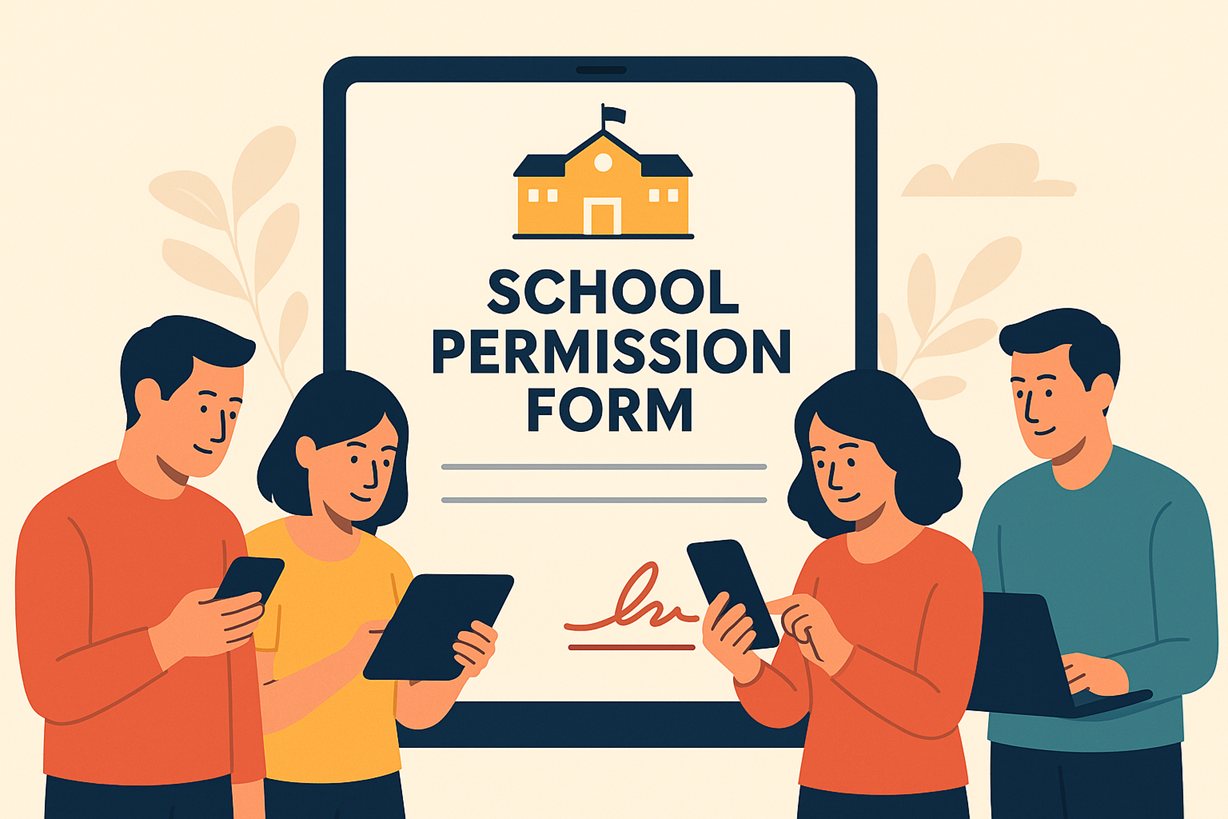
Digital permission forms have quickly become a foundational tool in modern school communication. Whether a student is attending a field trip, participating in sports, accessing technology resources, or receiving specialized services, schools need reliable parent consent. In the past, this meant sending stacks of paper home in backpacks and hoping they would return signed the next day. Today, many schools are replacing printed forms with streamlined digital PDFs—organized with the help of platforms like PDFmigo.com—to improve speed, accuracy, and compliance.
The Shift From Paper Packets to Digital Consent
For decades, schools relied on handwritten signatures and carbon-copy forms. Parents often received multiple documents a week during the school year: media release forms, health forms, technology agreements, club permissions, and more. Students frequently misplaced papers, spilled drinks on them, or simply forgot to deliver them. Teachers often had to chase down families for missing forms, delaying activities and increasing workloads.
Digital permission forms solve these problems. By sending one PDF or a complete permission packet electronically, schools ensure that every family receives the same information at the same time. Parents can sign digitally, return forms instantly, and store copies for personal records. It streamlines communication and reduces confusion.
Why PDF Is the Preferred Format for Permission Forms
PDFs preserve a form’s layout, structure, and required signature areas—regardless of the device used. Schools choose PDF files because they are compatible with all computers, tablets, and phones, resistant to accidental formatting changes, printable when needed, secure, and easy to archive.
Parents also appreciate PDFs because they can zoom in for readability, use digital signatures, or fill out forms electronically without printing. Schools frequently consolidate multiple forms into a single, organized packet. This becomes much simpler with tools that allow administrators to merge PDF files into one polished bundle. When permission forms come from multiple departments—athletics, counseling, technology, transportation—combining them prevents missed pages and incomplete submissions.
Ensuring Accuracy and Consistent Distribution
Digital permission forms increase accuracy by eliminating handwriting issues and missing pages. Because PDF forms maintain fixed formatting, required fields are not accidentally deleted or altered. If a parent misses a signature or leaves a blank field, teachers can quickly identify the issue.
Schools often distribute forms through email, learning platforms, or parent-communication apps. All families receive the same version, reducing misunderstandings caused by outdated physical copies. For multi-language districts, PDF packets can include translations or alternative versions with minimal formatting changes.
To improve clarity, schools sometimes extract only the relevant sections of a longer document. This is where tools that allow staff to split PDF become essential. For example, a parent only needs to complete the sports medical form, not the entire extracurricular packet. By isolating specific pages, schools simplify the process and improve parent response rates.
Digitally Signed Forms Improve Compliance and Workflow
Digital signatures are legally accepted in many educational contexts. Parents can sign forms using touchscreens, computer mice, or signature pads. This convenience dramatically increases the likelihood of timely submission.
Teachers no longer need to manually sort through piles of papers or check for ink signatures. Digital submissions can be tracked automatically, showing which parents have signed and which still need reminders. This reduces administrative burden and allows teachers to focus on instruction rather than paperwork.
Digital workflows also increase accountability. If a form is incomplete, missing a date, or has unclear handwriting, the teacher can request a corrected digital version instantly. This reduces delays for field trips, sports events, and technology use approvals.
Improving Record-Keeping Through Digital Archiving
Schools benefit greatly from storing permission forms digitally. Electronic files can be archived by grade level, year, or activity. Digital archiving makes it simple to retrieve old forms for audits, incident investigations, or administrative reviews.
Before digital systems, paper forms were stored in classroom folders, office file cabinets, or storage boxes—often difficult to locate when needed. Digital permission forms replace all of that with searchable, secure files that administrators can access instantly.
Tools that support merging and splitting PDFs help schools maintain clean digital archives. A single packet may include medical forms, liability waivers, and transportation agreements. Schools often combine them into a single permission file for each student or activity, making documentation easier to review during school inspections or parent inquiries.
Enhancing Parent Engagement Through Technology
Digital permission forms also improve communication with families. Parents can respond quickly from mobile devices without needing to visit the school or print anything. This is particularly important for families with limited access to printers or busy work schedules.
In multilingual communities, digital forms allow schools to provide multiple language versions side-by-side inside one PDF packet. Families can easily switch between versions to better understand the content. Schools can also embed instructions, contact details, or links to online resources within the digital forms.
Digital Forms Support Equity and Inclusivity
When schools adopt digital permission forms, they help reduce barriers that traditionally impact certain groups. Parents without reliable transportation, families who work long hours, and homes lacking printers benefit immensely from digital solutions. As long as parents have a smartphone, they can complete and submit forms quickly.
Digital forms also support parents with disabilities. PDFs can integrate screen reader compatibility, text-to-speech options, adjustable contrast and zoom, and typed responses instead of handwritten text. This inclusivity ensures all families can participate fully in school activities and decisions.
Integrating Digital Forms With School Management Systems
Many schools now integrate digital permission forms into student information systems and learning management systems. This allows automated reminders, secure uploads, and direct linking of signed forms to student profiles.
Teachers and staff can verify consent instantly without checking folders or inboxes. Activity coordinators—such as coaches or club advisors—can download permission packets for their students at any time. Digital forms also work well with attendance tracking for events, allowing staff to carry a single digital file containing all emergency contacts and medical information for participating students.
The Future of Digital Permission Forms in Education
As technology continues to evolve, schools will adopt even more advanced digital consent tools. Possible future developments include real-time signature verification, AI-assisted form checking, automated translation into multiple languages, smart forms that auto-fill known information, parent dashboards showing completed and pending forms, and secure long-term record storage.
Regardless of these advancements, PDF-based permission forms will remain a foundational tool because of their compatibility, stability, and universal acceptance.
Conclusion
Digital permission forms have revolutionized school communication by improving accuracy, reducing delays, and enhancing accessibility for families. They are easier to distribute, easier to sign, and easier to archive than traditional paper forms. As schools continue to modernize, tools that help administrators merge PDF and split PDF will remain essential for preparing clear, well-organized permission packets that support safe and efficient school operations.
